

Your First Flip
Put your bank to work on the Grand Exchange.
Every item on the Grand Exchange trades at two prices: the high that impatient buyers pay and the low that impatient sellers dump at. That spread is your margin. Buy low, sell high, and the exchange fills both offers while you do something else.
 Dragon bones
Last 7 days
Exit
933
Margin
+10
Entry
905
No stats required
Your margin doesn't care about your combat level or quest log. Capital is the only skill, and more capital means bigger profits.
Passive profit
Set your offers and go skill, boss or log out. The exchange fills them while you're away.
It compounds
Buy limits reset every 4 hours and you can work several items at once, so every profit rolls straight into the next trade.
How the margin works
Buy at the low, sell at the high, and the spread minus the 2% GE tax is your profit. RS3 Exchange runs those numbers on every item, around the clock. Let's walk through a real trade.
Dragon bones
As recorded on RS3 Exchange
Entry
905 gp
the site's Sell Price
Exit
933 gp
the site's Buy Price
Margin per item
+10 gp+1.10%
after 18 gp tax
Buy limit
10,000
every 4 hours
Profit per flip
+100,000 gp
for two offers
Step 01
Spot the margin
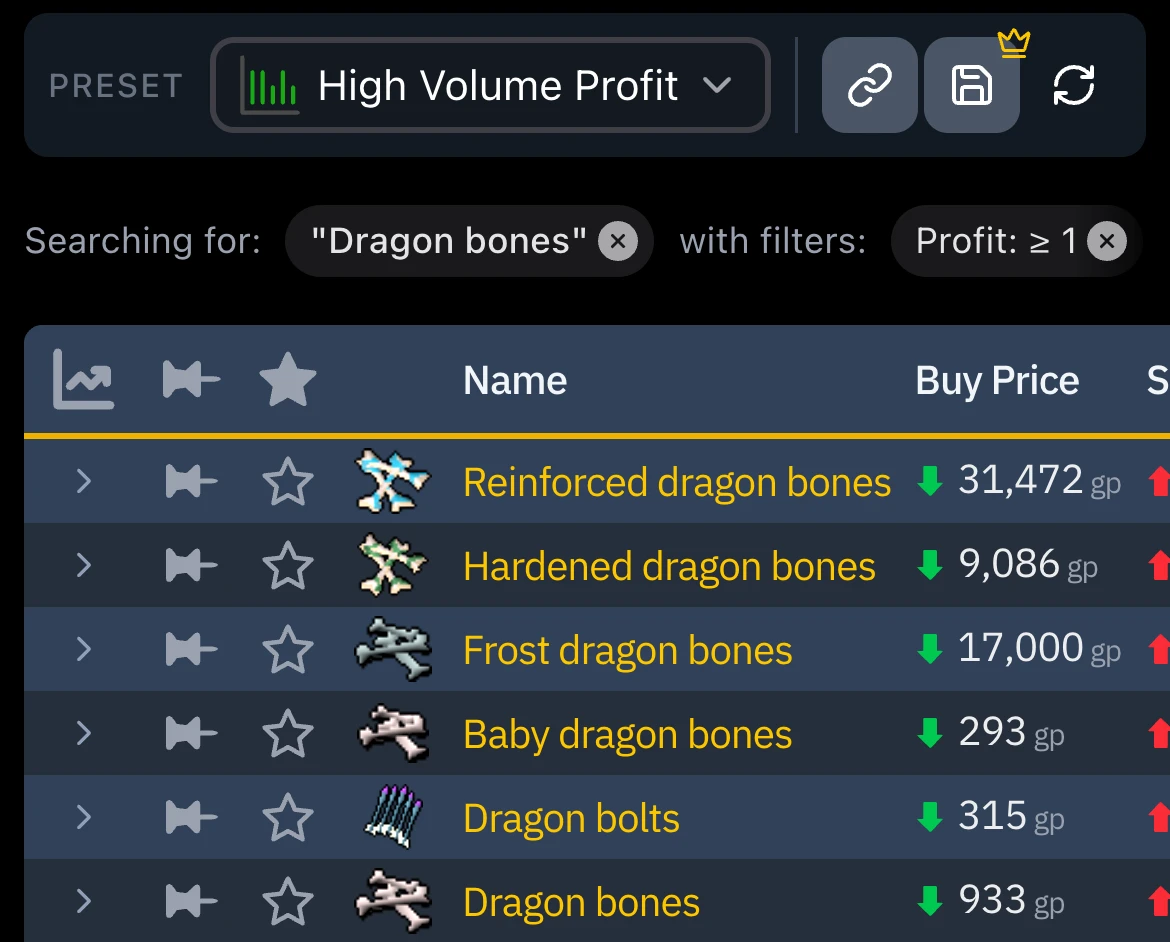
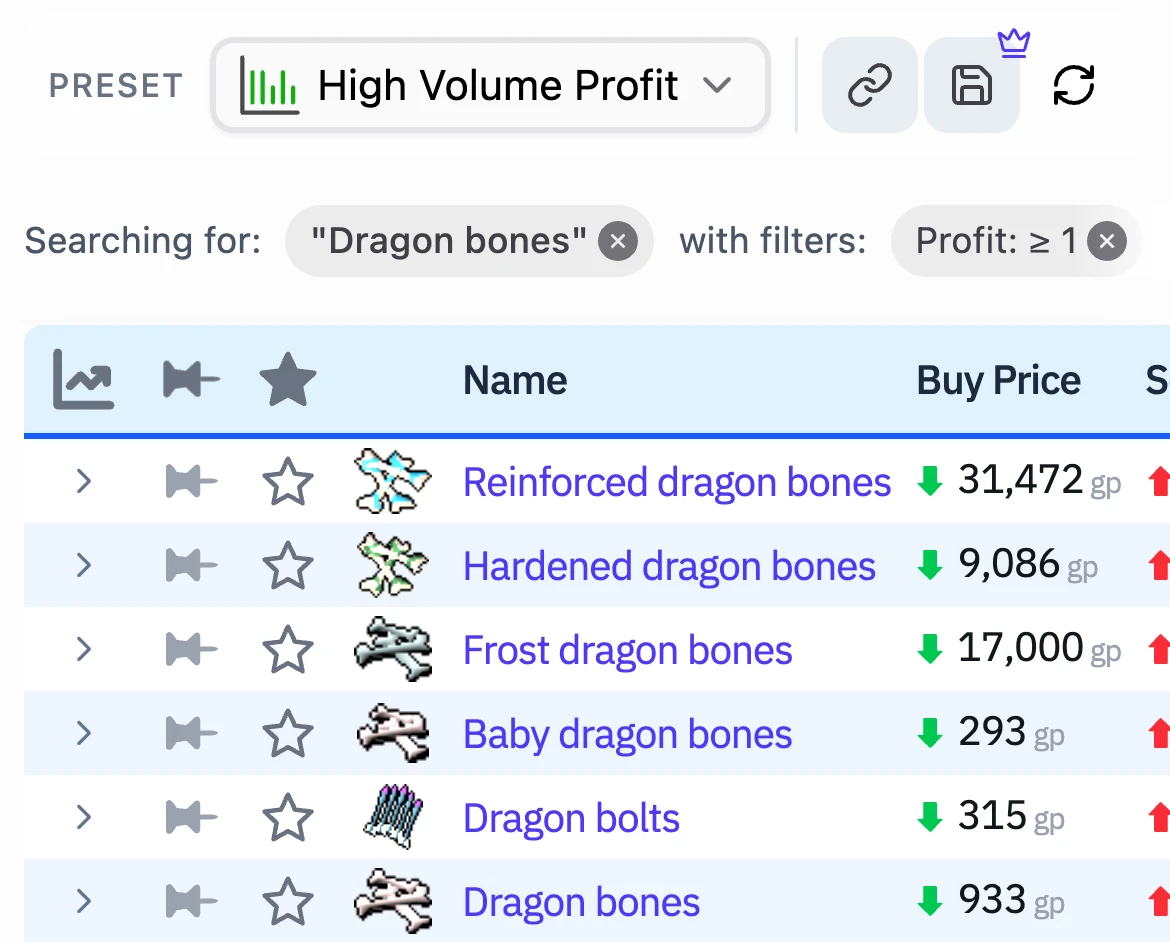
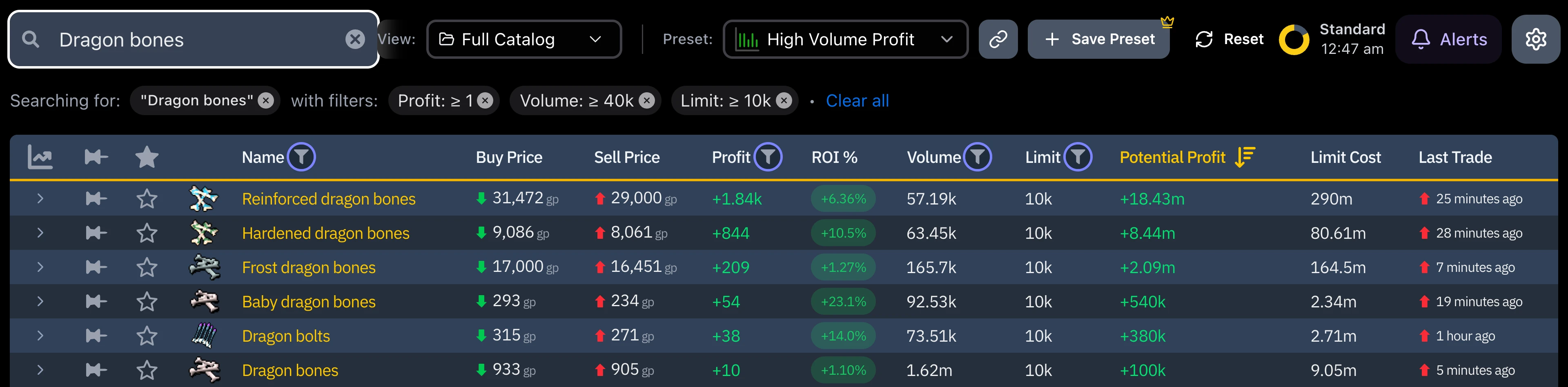
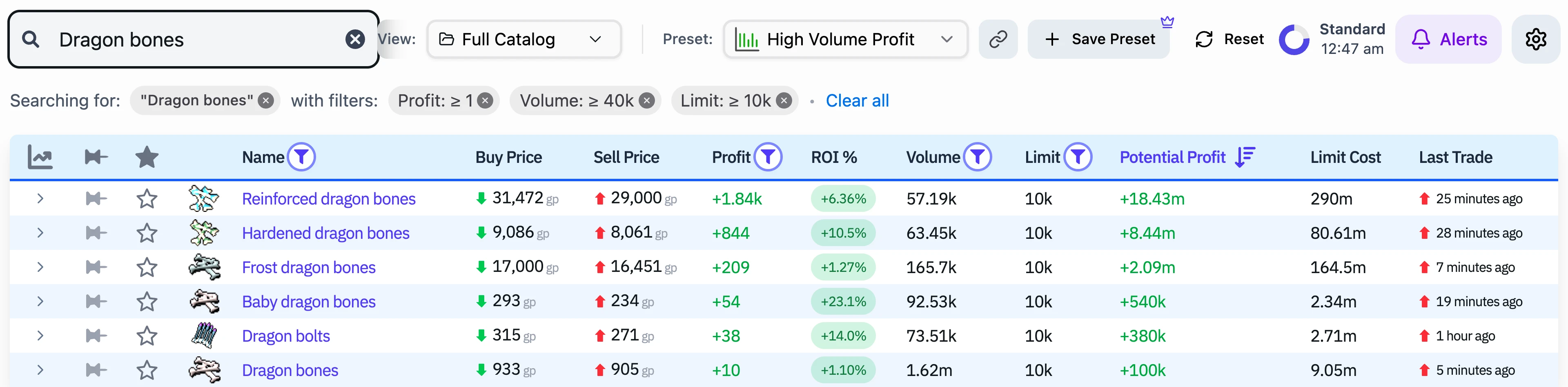
Open the GE Tracker and pick High Volume Profit from the Preset menu. It narrows the whole market to the most liquid items that still clear a profit after tax, biggest earners first.
Step 02
Read the live margin
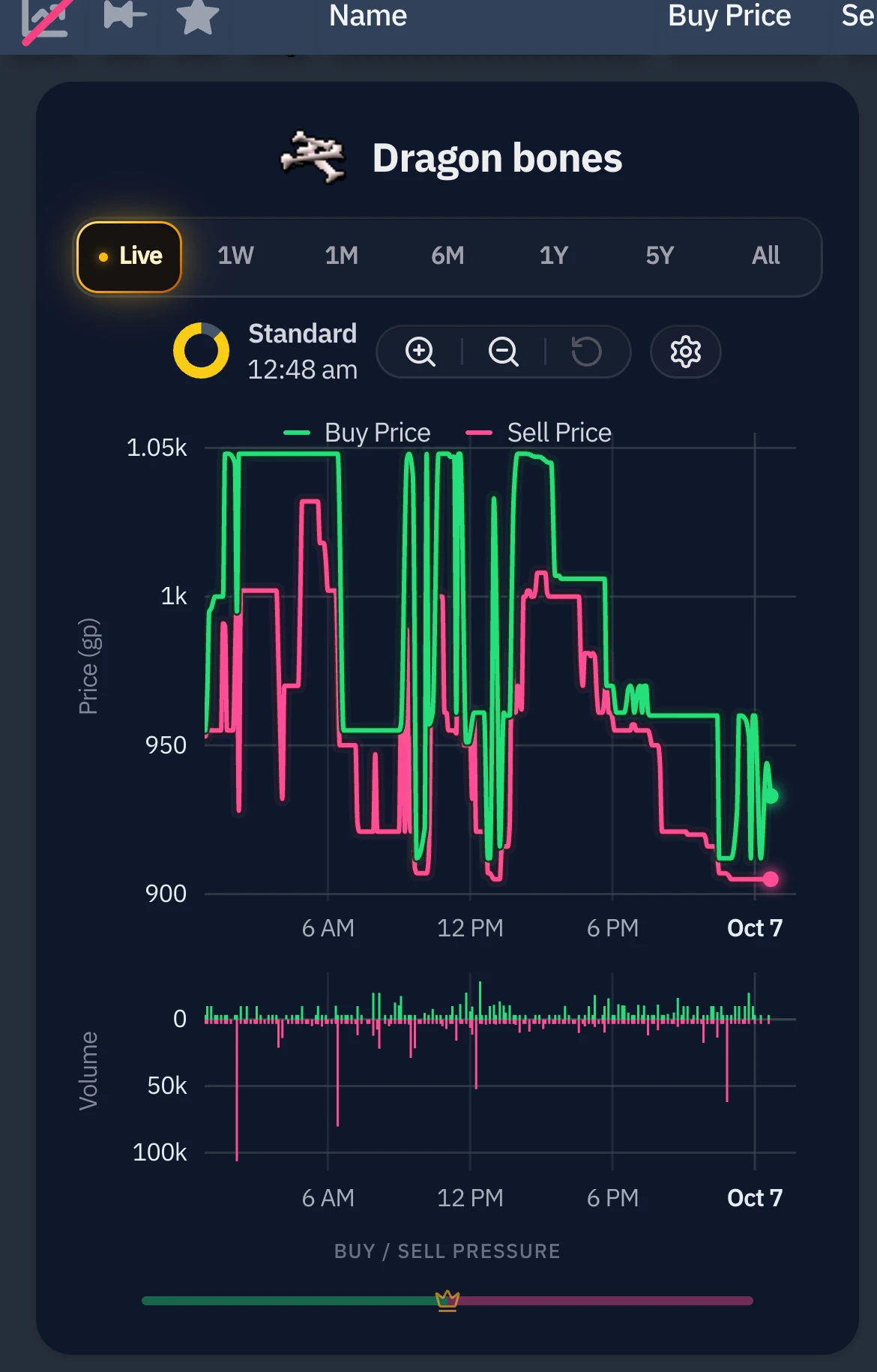
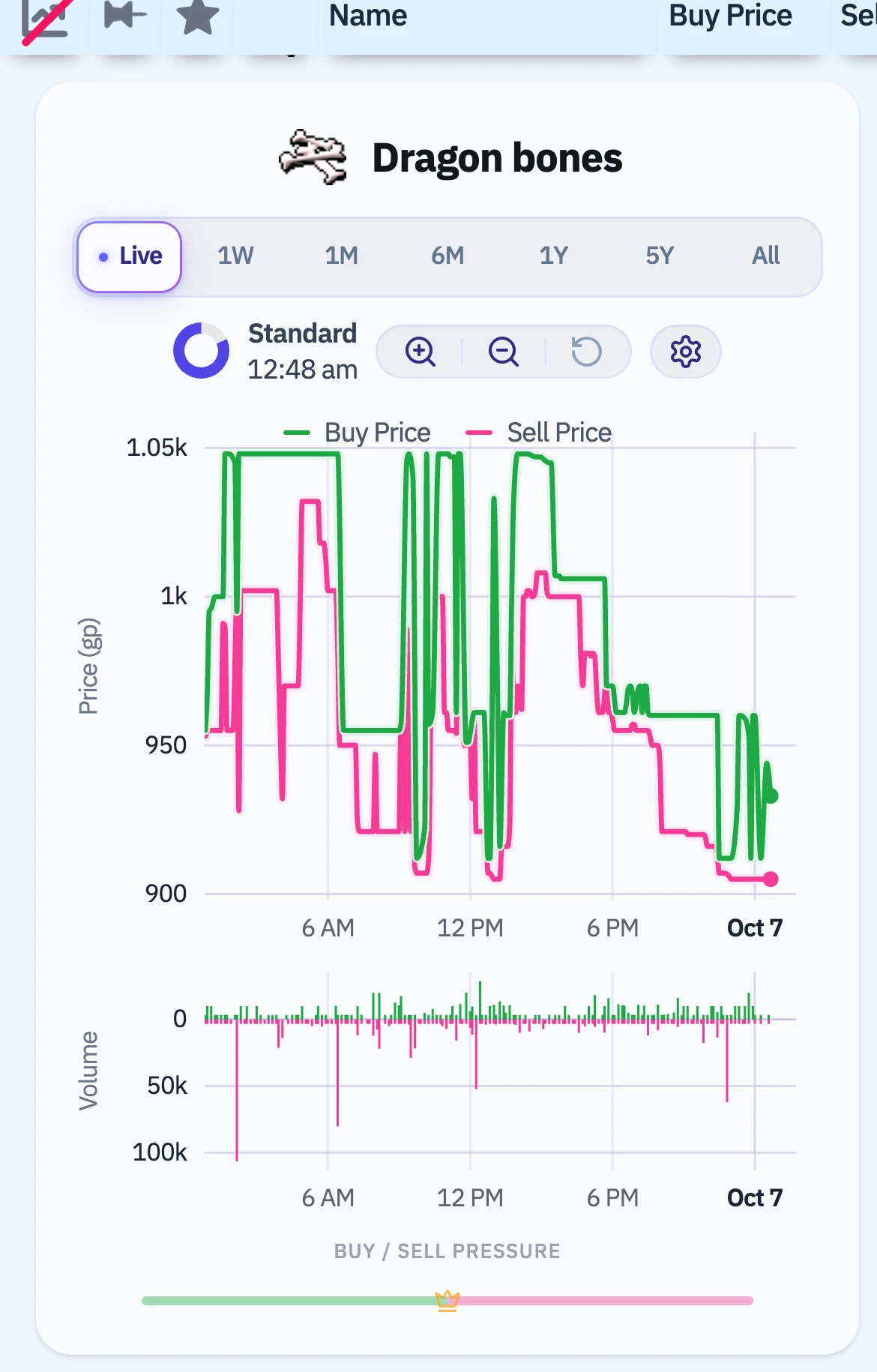
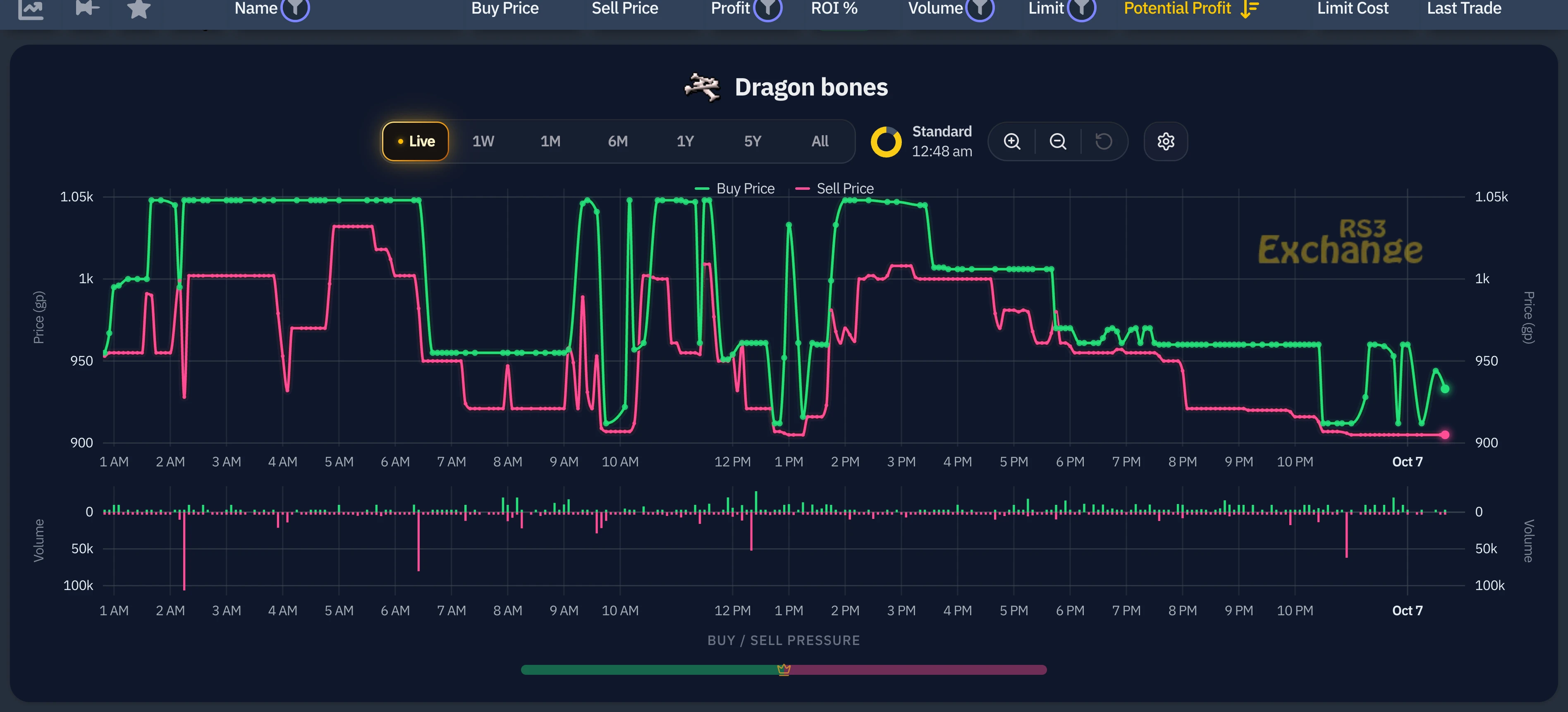
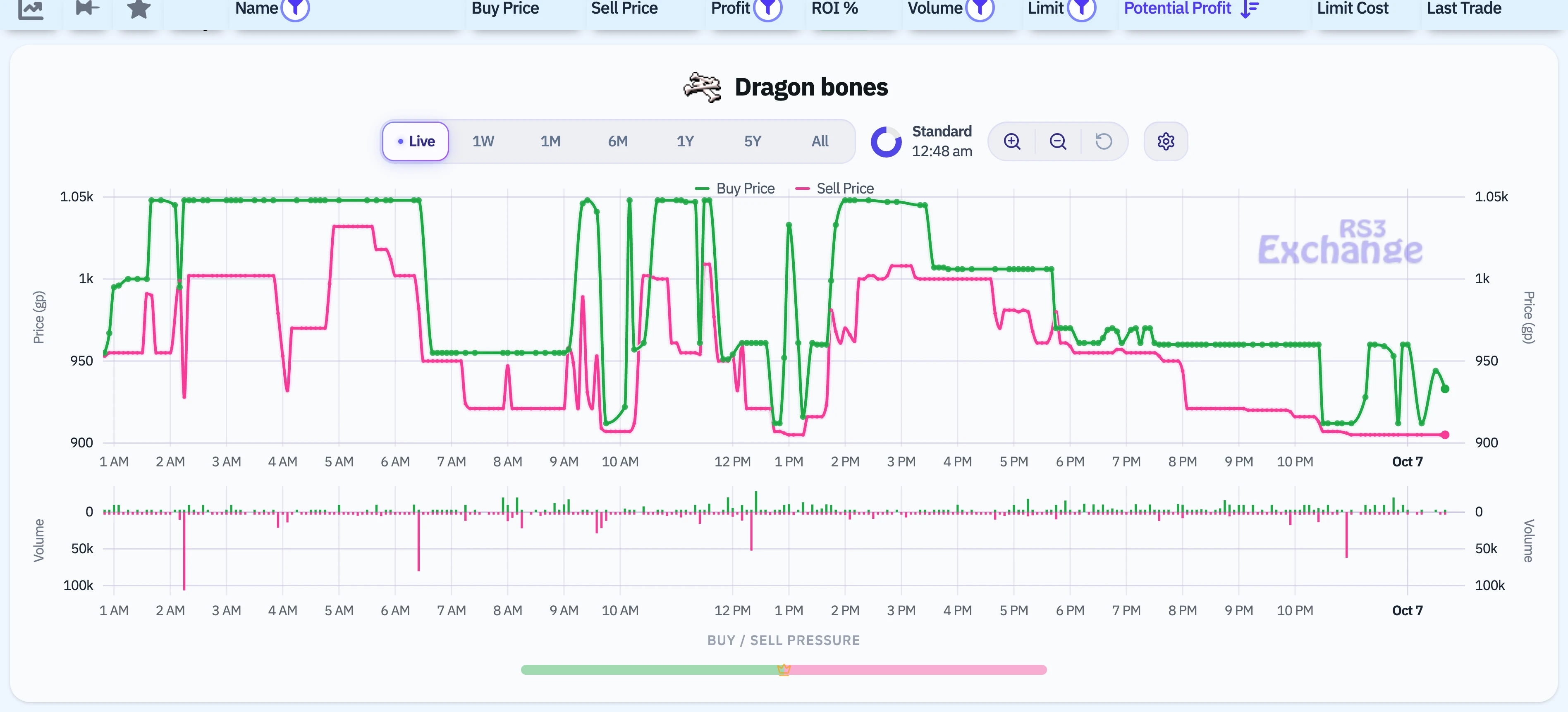
Expand the row and its chart opens on Live: every five minutes of the last day, with the Buy Price on top and the Sell Price under it. The gap between them at the right edge is the margin trading right now. When both lines are moving steadily with that gap between them, the margin is live and you can trade it.
Step 03
Make the trade
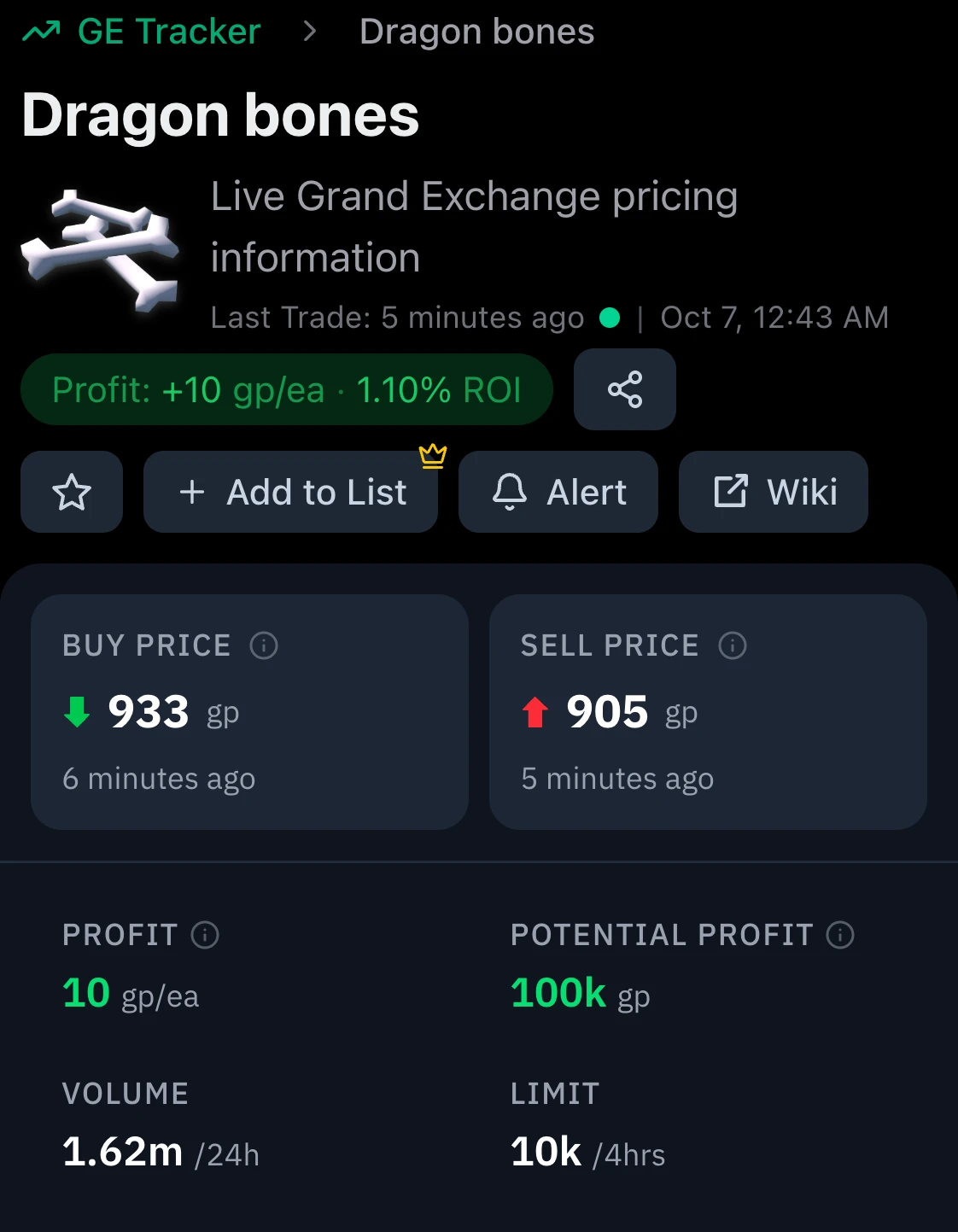
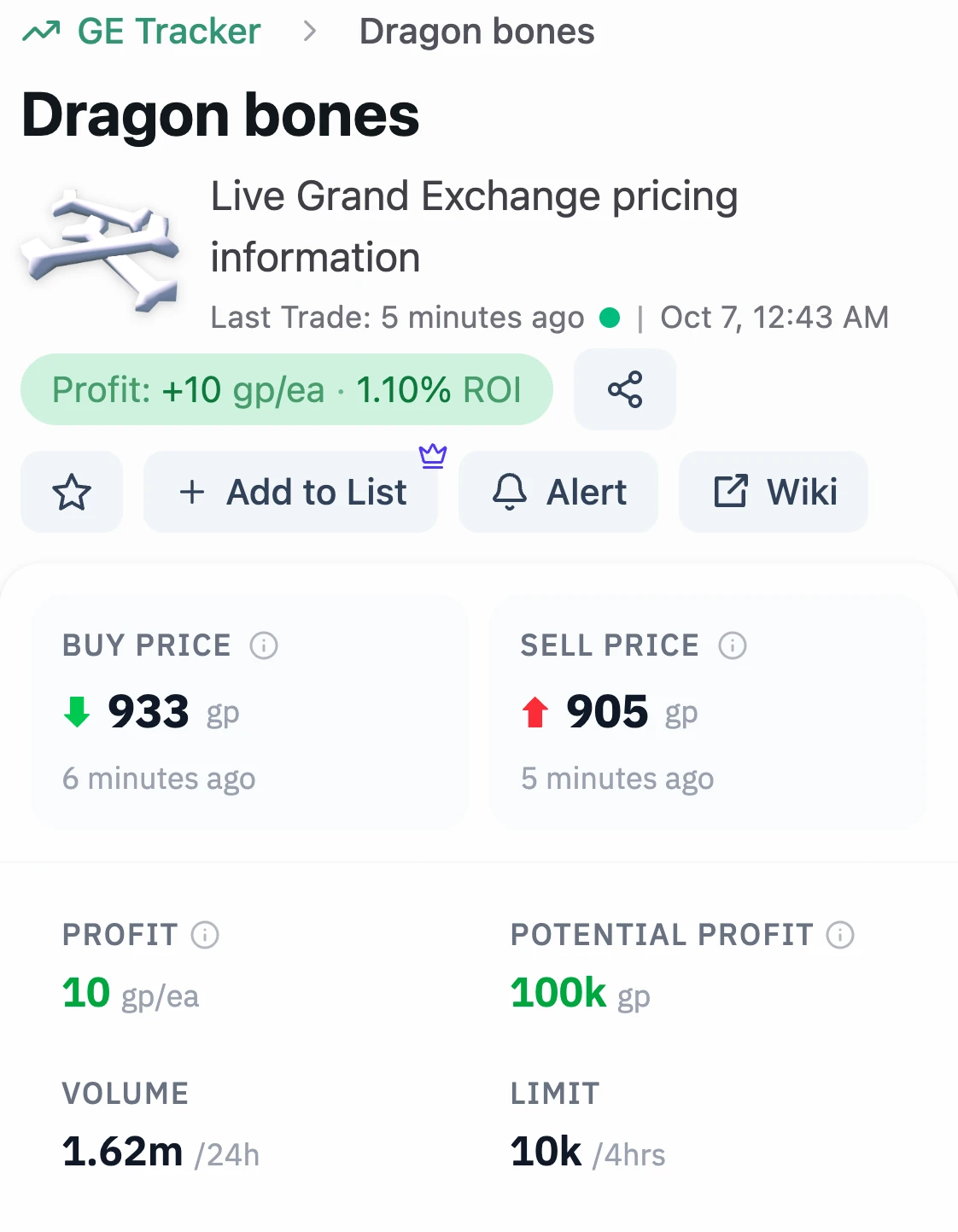
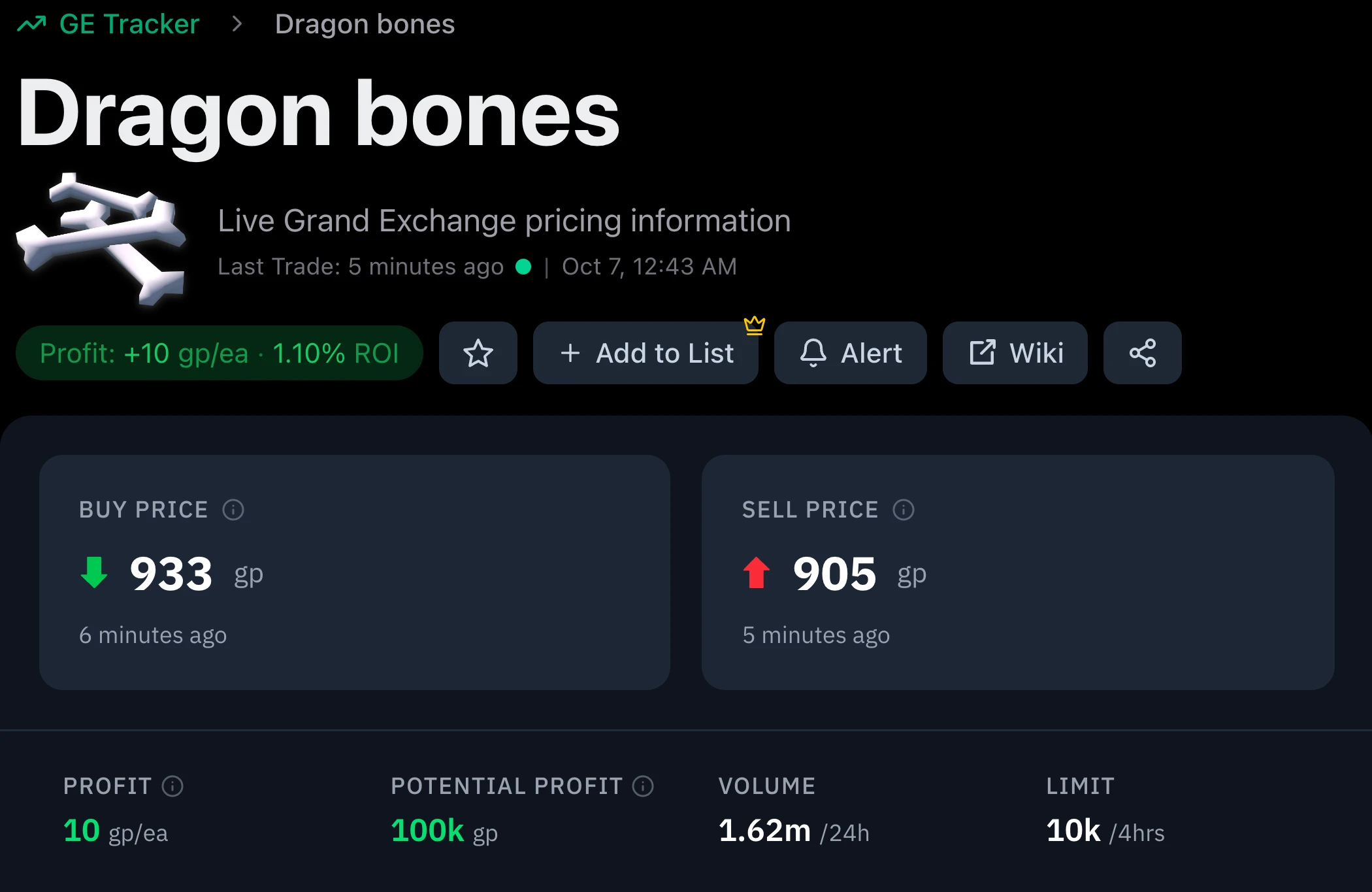
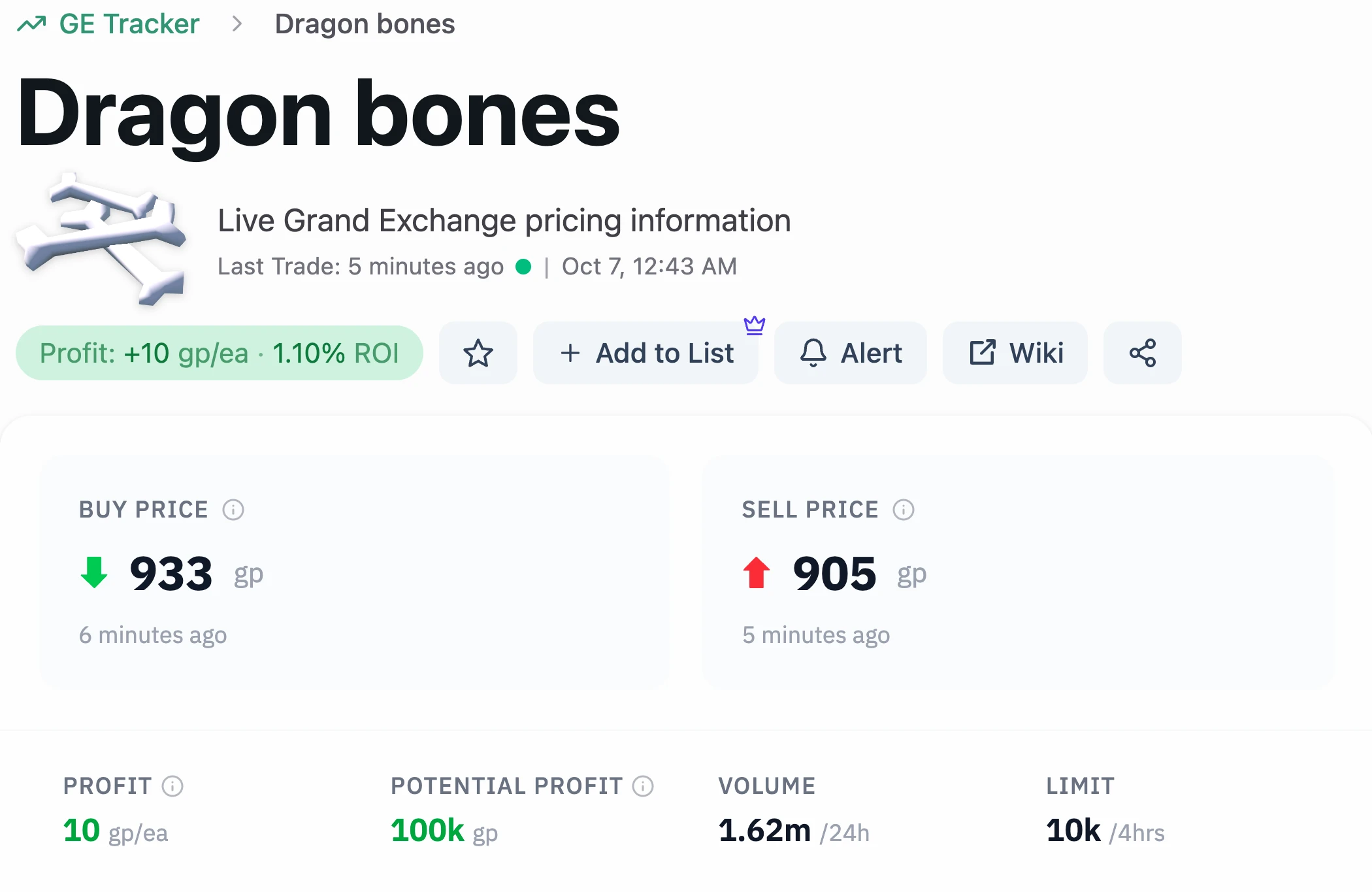
Click the item's name to open its page. The price panel there has your entry, your exit and your profit. For Dragon bones, as recorded:
Enter at the Sell Price
At the Grand Exchange, put in a buy offer for 10,000 Dragon bones at 905 each. If it doesn't fill, check recent trades before you bid higher: every coin you add comes straight off your margin.Exit at the Buy Price
Once it fills, list all 10,000 at 933 each. The 2% tax comes off when they sell.Bank the profit
At those prices the trade clears 100,000 coins, the Potential Profit on the panel.
Your next flip
That flip made +100,000 gp. Now get to the next one first.
Everything you just used is free. Premium is for the flips after this one: you see margins sooner, you know your offer will fill, and alerts watch the prices while you're away.
Catch margins sooner
Prices refresh every 6 seconds instead of every 30, so a new margin reaches you 24 seconds sooner.
Know your offer will fill
A big margin is worth nothing if your buy offer sits there. Liquidity shows how many buy limits trade each day.
Let the market come to you
Get a Discord DM or email the moment an item hits your price. Watch up to 25 items, with no cap on notifications.
Plan every flip on the chart
Drag the live buy and sell lines to see your profit after tax. Your buy price is saved with the item, so you always know what you paid.
Free for 7 days, then $4.99 a month. Cancel before the trial ends and you pay nothing.
See everything in PremiumNot ready yet? Find your next flip on High Volume Profit, free.